## Overview
---
In-app message is a banner that can be displayed when your app is running. It may have various layout variants, because it is fully customizable by HTML. The campaign is triggered and displayed depending on the configuration settings.
Read more about creating in-app messages [here](/docs/campaign/in-app-messages/create-inapp-message).
Due to operating system differences and web engines, in-app message appearance may differ between systems or not be as expected. You should test your in-app messages.
In in-app messages, you can use:
- the **safe area** mode on iOS from the `5.1.0` version,
- the **display cutouts** mode on Android from the `6.1.0` version.
## Requirements
---
- Recommended Mobile SDK version:
- Android - 5.3.0 or newer
- iOS - 4.12.0 or newer
- React Native - 0.12.0 or newer
- Flutter - 0.5.0 or newer
- If your in-app content (such as JavaScript, CSS, images, or fonts) is being loaded from your own server via HTTP and you have configured **CORS policies**, you need to set the **contentBaseUrl** to your server's address. For example, if you're loading resources from `https://www.synerise.com/example/font.woff`, you should configure **contentBaseUrl** to `https://www.synerise.com` (check this option in the [Settings](/developers/mobile-sdk/settings#content-base-url-for-in-app-message)).
- Enable the `IN_APP_DEFINITIONS_COMMUNICATION_READ` (**Experience Hub**) permission in the Profile (formerly Client) [API key](/docs/settings/tool/api) used by the mobile application so the mobile application can fetch in-app messages.
The API key permission matrix with the in-app permission
## Good practices
---
### Campaign planning recommendations
Using a large number of in-app messages in your application can impact rendering time, message delivery, and battery usage.
To maintain optimal application performance when using in-app campaigns:
- Avoid assigning more than 10 in-app messages to the same trigger event.
- Avoid having more than 20 in-app messages active at the same time in your application.
- Review and archive in-app campaigns that you no longer need.
### Template construction
When creating or editing in-app message content:
- Place the the `SRInApp.close()` (or `SRInApp.hide()`) method at the beginning of the JS script.
- Use try/catch to handle possible fatal errors in the JS script.
- Handle situations where Jinjava inserts return empty data.
- When adding external links to your message:
- Only link to sites you trust.
- Don't link to large images that may negatively affect performance.
- Don't link to resources whose CSS/HTML may be blocked. If you have resources loaded from your own URLs, set `Synerise.settings.inAppMessaging.contentBaseUrl` and use relative paths in HTML/CSS.
## Configuration
---
In-app message campaigns are served by the Synerise backend.
Check possible available configuration options in the [Settings](/developers/mobile-sdk/settings#in-app-messaging).
## JavaScript methods in in-app messages
---
See ["Using in-app template builder" in the User Guide](/docs/campaign/in-app-messages/creating-inapp-templates/creating-inapp-template#javascript-methods-in-in-app-messages).
## Events generated by in-app messaging
---
For information about events generated by in-app messaging, see the [event reference](/docs/assets/events/event-reference/inapp).
You can disable sending the `inApp.capping` event in the SDK Settings - [Enable/disable sending in-app capping event](/developers/mobile-sdk/settings#enabledisable-sending-inappcapping-event).
## Setting up a global control group for in-app message
---
For information about global control groups in in-app messages, see the [global control group](/docs/settings/configuration/global-control-group) article.
## Handling actions from in-app messages
---
Handling main actions from campaigns depends on the campaign type and operating system and it is described [here](/developers/mobile-sdk/campaigns/action-handling).
## Controlling behavior and actions
---
You may control an incoming in-app message and decide whether to show it (the display of in-app message can be triggered by occurrence of specific events). By default, the SDK allows in-app message display.
The user interface allows selecting up to 3 trigger events, however, in Android, only for `5.8.1` SDK version (released on 28.08.2023) or higher all triggers are considered altogether. For older SDK versions in Android, only the last event from the trigger list will be considered.
These limitations don't apply in iOS.
Also, you can be notified (in the form of events) about the campaign actions in the following cases:
- When the in-app message is presented.
- When the in-app message disappeared.
- When additional context is needed to render the campaign.
- When the customer invoked an action.
You can handle the message using:
- [OnInAppListener](/developers/mobile-sdk/listeners-and-delegates/android-listeners#on-in-app-listener) methods for Android.
- [InjectorInAppMessageDelegate](/developers/mobile-sdk/listeners-and-delegates/ios-delegates#injector-in-app-message-delegate) methods for iOS.
- [InjectorInAppMessageListener](/developers/mobile-sdk/listeners-and-delegates/react-native-listeners#injector-in-app-message-listener) methods for React Native.
- [InjectorInAppMessageListener](/developers/mobile-sdk/listeners-and-delegates/flutter-listeners#injector-in-app-message-listener) methods for Flutter.
See the following code samples:
```Java
public static OnInAppListener NULL = new OnInAppListener() {
// This method is called after an in-app message is loaded and Synerise SDK asks for permission to show it.
@Override
public boolean shouldShow(InAppMessageData inAppMessageData) {
return true;
}
// This method is called after an in-app message appears.
@Override
public void onShown(InAppMessageData inAppMessageData) {
//...
}
// This method is called after an in-app message disappears.
@Override
public void onDismissed(InAppMessageData inAppMessageData) {
//...
}
// This method is called when a individual context for an in-app message is needed.
@Override
public HashMap onContextFromAppRequired(InAppMessageData inAppMessageData) {
return new HashMap<>();
}
// This method is called when the SRInApp.openUrl(url) method is used in an in-app message.
@Override
public void onHandledOpenUrl(InAppMessageData inAppMessageData) {
//...
}
// This method is called when the SRInApp.openDeeplink(url) method is used in an in-app message.
@Override
public void onHandledOpenDeepLink(InAppMessageData inAppMessageData) {
//...
}
// This method is called when the
// SRInApp.handleCustomAction(name, params) method is used in an in-app message.
@Override
public void onCustomAction(String identifier, HashMap params, InAppMessageData inAppMessageData) {
//...
}
};
```
```Kotlin
var inAppCallbacks: OnInAppListener = object : OnInAppListener() {
// This method is called after an in-app message is loaded and Synerise SDK asks for permission to show it.
override fun shouldShow(inAppMessageData: InAppMessageData): Boolean {
return true
}
// This method is called after an in-app message appears.
override fun onShown(inAppMessageData: InAppMessageData) {
//...
}
// This method is called after an in-app message disappears.
override fun onDismissed(inAppMessageData: InAppMessageData) {
//...
}
// This method is called when a individual context for an in-app message is needed.
override fun onContextFromAppRequired(inAppMessageData: InAppMessageData): HashMap {
return HashMap()
}
// This method is called when the SRInApp.openUrl(url) method is used in an in-app message.
override fun onHandledOpenUrl(inAppMessageData: InAppMessageData) {
//...
}
// This method is called when the SRInApp.openDeeplink(url) method is used in an in-app message.
override fun onHandledOpenDeepLink(inAppMessageData: InAppMessageData) {
//...
}
// This method is called when the
// SRInApp.handleCustomAction(name, params) method is used in an in-app message.
override fun onCustomAction(identifier: String?, params: HashMap?, inAppMessageData: InAppMessageData?) {
//...
}
}
```
```Swift
// MARK: - InjectorInAppMessageDelegate
// This method is called after an in-app message is loaded and Synerise SDK asks for permission to show it.
func snr_shouldInAppMessageAppear(data: InAppMessageData) -> Bool {
return true
}
// This method is called after an in-app message appears.
func snr_inAppMessageDidAppear(data: InAppMessageData) {
//...
}
// This method is called after an in-app message disappears.
func snr_inAppMessageDidDisappear(data: InAppMessageData) {
//...
}
// This method is called when an in-app message changes size.
func snr_inAppMessageDidChangeSize(rect: CGRect) {
//...
}
// This method is called when a individual context for an in-app message is needed.
func snr_inAppMessageContextIsNeeded(data: InAppMessageData) -> [AnyHashable: Any]? {
return []
}
// This method is called when the SRInApp.openUrl(url) method is used in an in-app message.
func snr_inAppMessageHandledAction(data: InAppMessageData, url: URL) {
//...
}
// This method is called when the SRInApp.openDeeplink(url) method is used in an in-app message.
func snr_inAppMessageHandledAction(data: InAppMessageData, deeplink: String) {
//...
}
// This method is called when the
// SRInApp.handleCustomAction(name, params) method is used in an in-app message.
func snr_inAppMessageHandledCustomAction(data: InAppMessageData, name: String, parameters: [AnyHashable: Any]) {
//...
}
```
```Objective-C
#pragma mark - SNRInjectorInAppMessageDelegate
// This method is called after an in-app message is loaded and Synerise SDK asks for permission to show it.
- (BOOL)SNR_shouldInAppMessageAppear:(SNRInAppMessageData *)data {
//...
}
// This method is called after an in-app message appears.
- (void)SNR_inAppMessageDidAppear:(SNRInAppMessageData *)data {
//...
}
// This method is called after an in-app message disappears.
- (void)SNR_inAppMessageDidDisappear:(SNRInAppMessageData *)data {
//...
}
// This method is called when an in-app message changes size.
- (void)SNR_inAppMessageDidChangeSize:(CGRect)rect {
//...
}
// This method is called when a individual context for an in-app message is needed.
- (nullable NSDictionary *)SNR_inAppMessageContextIsNeeded:(SNRInAppMessageData *)data {
//...
}
// This method is called when the SRInApp.openUrl(url) method is used in an in-app message.
- (void)SNR_inAppMessageHandledURLAction:(SNRInAppMessageData *)data url:(NSURL *)url {
//...
}
// This method is called when the SRInApp.openDeeplink(url) method is used in an in-app message.
- (void)SNR_inAppMessageHandledDeeplinkAction:(SNRInAppMessageData *)data deeplink:(NSString *)deeplink {
//...
}
// This method is called when the
// SRInApp.handleCustomAction(name, params) method is used in an in-app message.
- (void)SNR_inAppMessageHandledCustomAction:(SNRInAppMessageData *)data name:(NSString *)name parameters:(NSDictionary *)parameters {
//...
}
```
```JavaScript
Synerise.onReady(function() {
Synerise.Injector.setInAppMessageListener({
// This method is called after an in-app message is loaded and Synerise SDK asks for permission to show it.
shouldPresent: function(data) {
return true;
},
// This method is called after an in-app message appears.
onPresent: function(data) {
//...
},
// This method is called after an in-app message disappears.
onHide: function(data) {
//...
},
// This method is called when a individual context for an in-app message is needed.
contextIsNeeded: function(data) {
return {}
},
// This method is called when the SRInApp.openUrl(url) method is used in an in-app message.
onOpenUrl: function(data, url) {
//...
},
// This method is called when the SRInApp.openDeeplink(url) method is used in an in-app message.
onDeepLink: function(data, deepLink) {
//...
},
// This method is called when Synerise handles custom action from in-app messages.
onCustomAction: function(data, name, parameters) {
//...
}
});
})
```
```Dart
Synerise.injector.inAppMessageListener((listener) {
// This method is called after an in-app message appears.
listener.onPresent = (data) {
//...
};
// This method is called after an in-app message disappears.
listener.onHide = (data) {
//...
};
// This method is called when the SRInApp.openUrl(url) method is used in an in-app message.
listener.onOpenUrl = (data, url) {
//...
};
// This method is called when the SRInApp.openDeeplink(url) method is used in an in-app message.
listener.onDeepLink = (data, deepLink) {
//...
};
// This method is called when Synerise handles custom action from in-app messages.
listener.onCustomAction(data, name, parameters) {
//...
};
});
```
## Closing a message
In-app messages can be closed with a [JS method included in their content](/docs/campaign/in-app-messages/creating-inapp-templates/creating-inapp-template#close-a-message), but you can also use a mobile SDK method. This can be used to close top or bottom bar in-app from somewhere else on the screen.
Using this method generates an `inApp.discard` event.
See the method reference:
- [Android](/developers/mobile-sdk/method-reference/android/campaigns#close-in-app-message)
- [Flutter](/developers/mobile-sdk/method-reference/flutter/campaigns#close-in-app-message)
- [iOS](/developers/mobile-sdk/method-reference/ios/campaigns#close-in-app-message)
- [React Native](/developers/mobile-sdk/method-reference/react-native/campaigns#close-in-app-message)
## Example
---
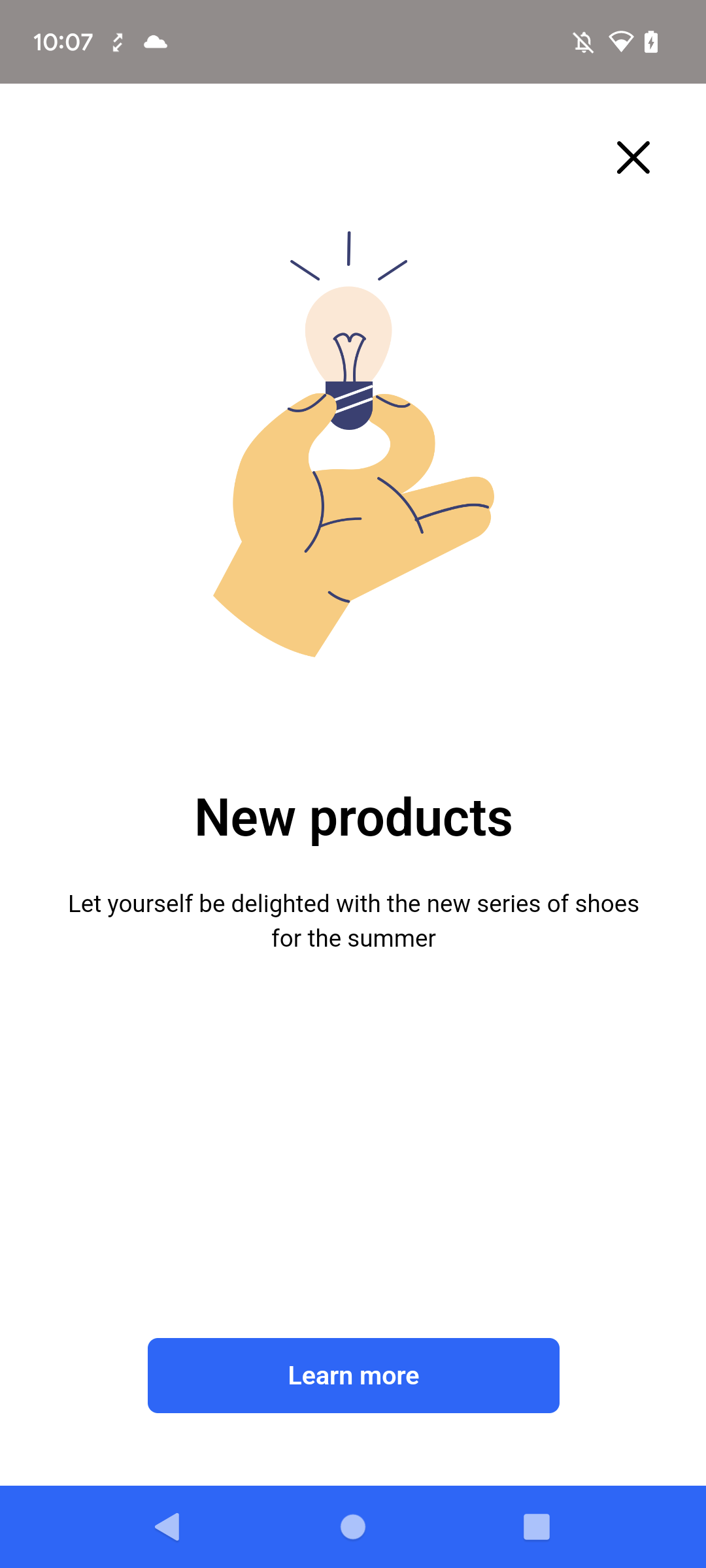
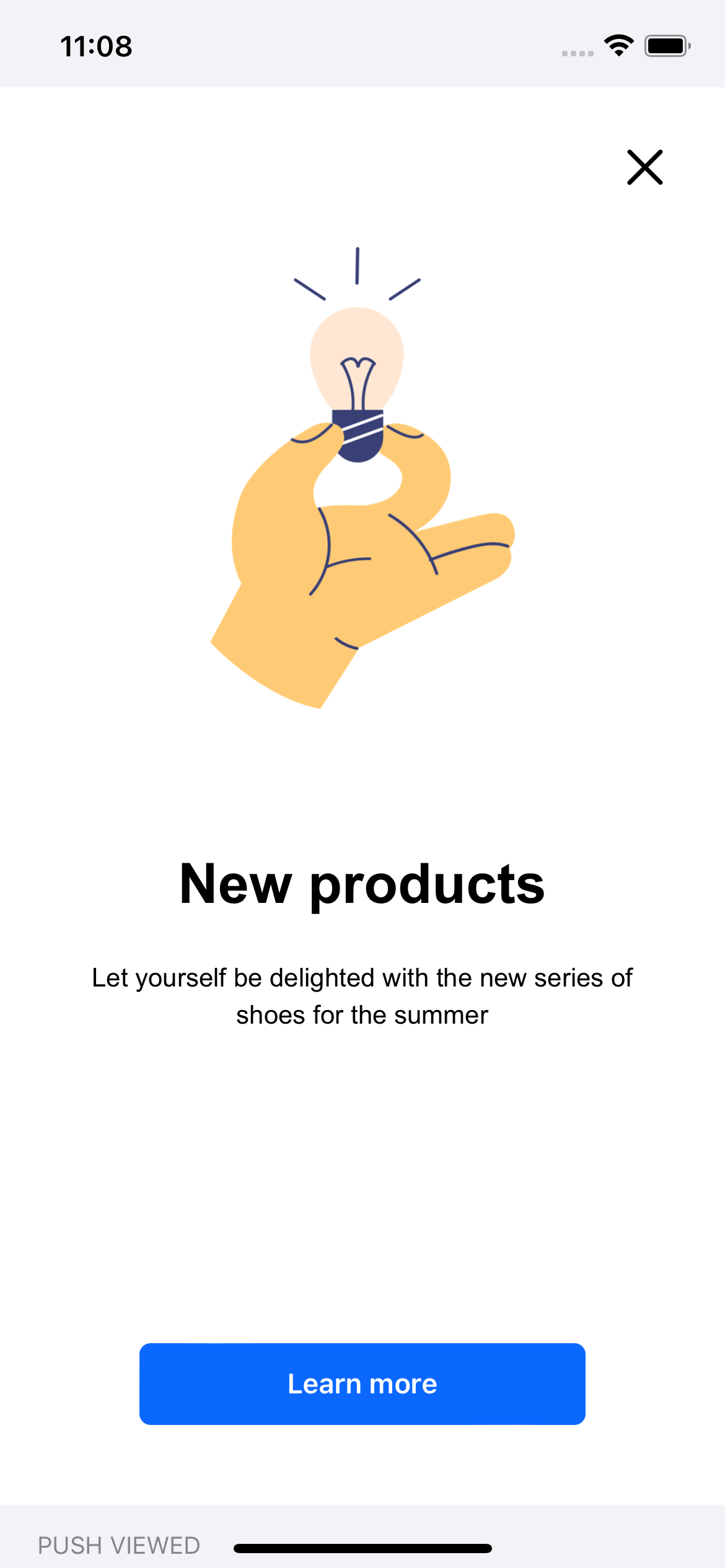
This is an in-app message campaign example with full screen presentation.
In-app message campaign (Android)In-app message campaign (iOS)