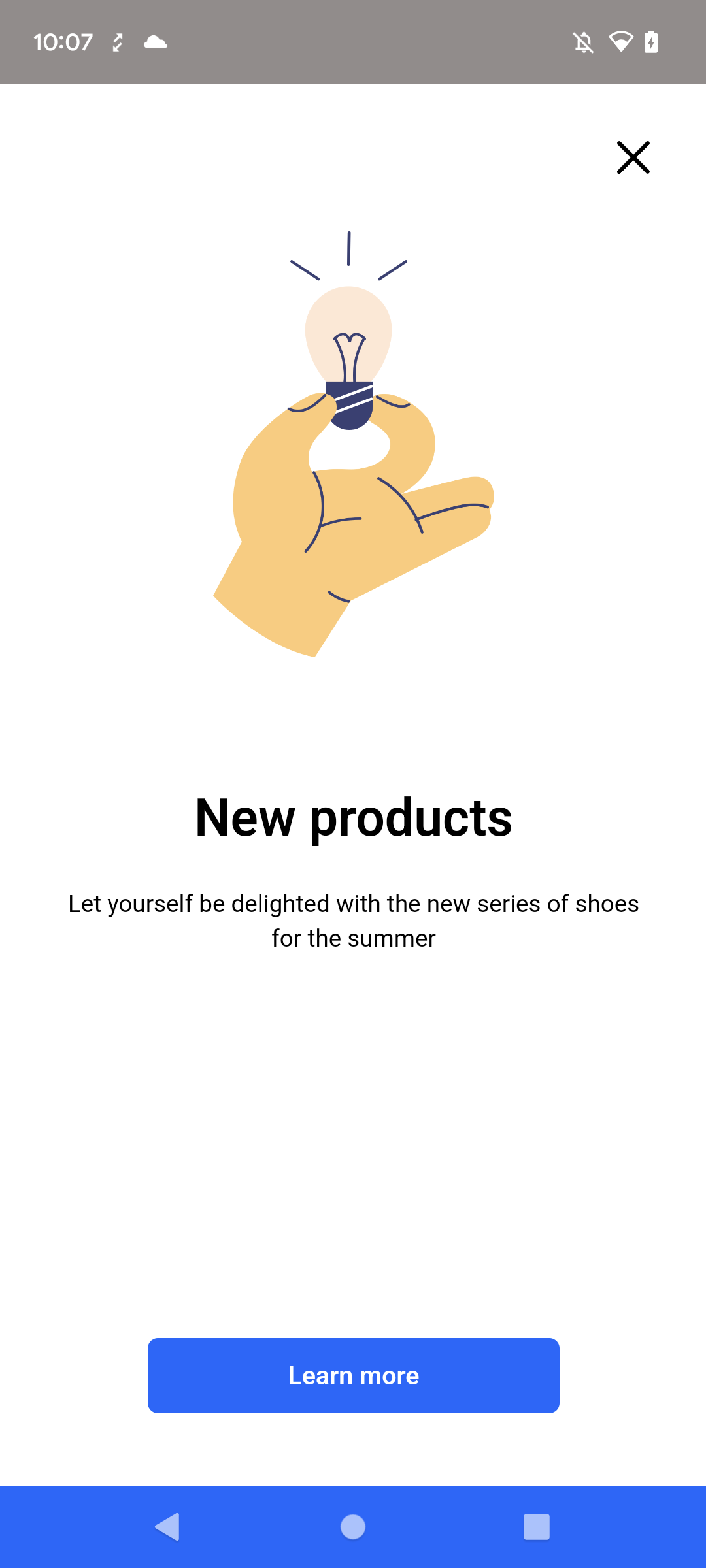
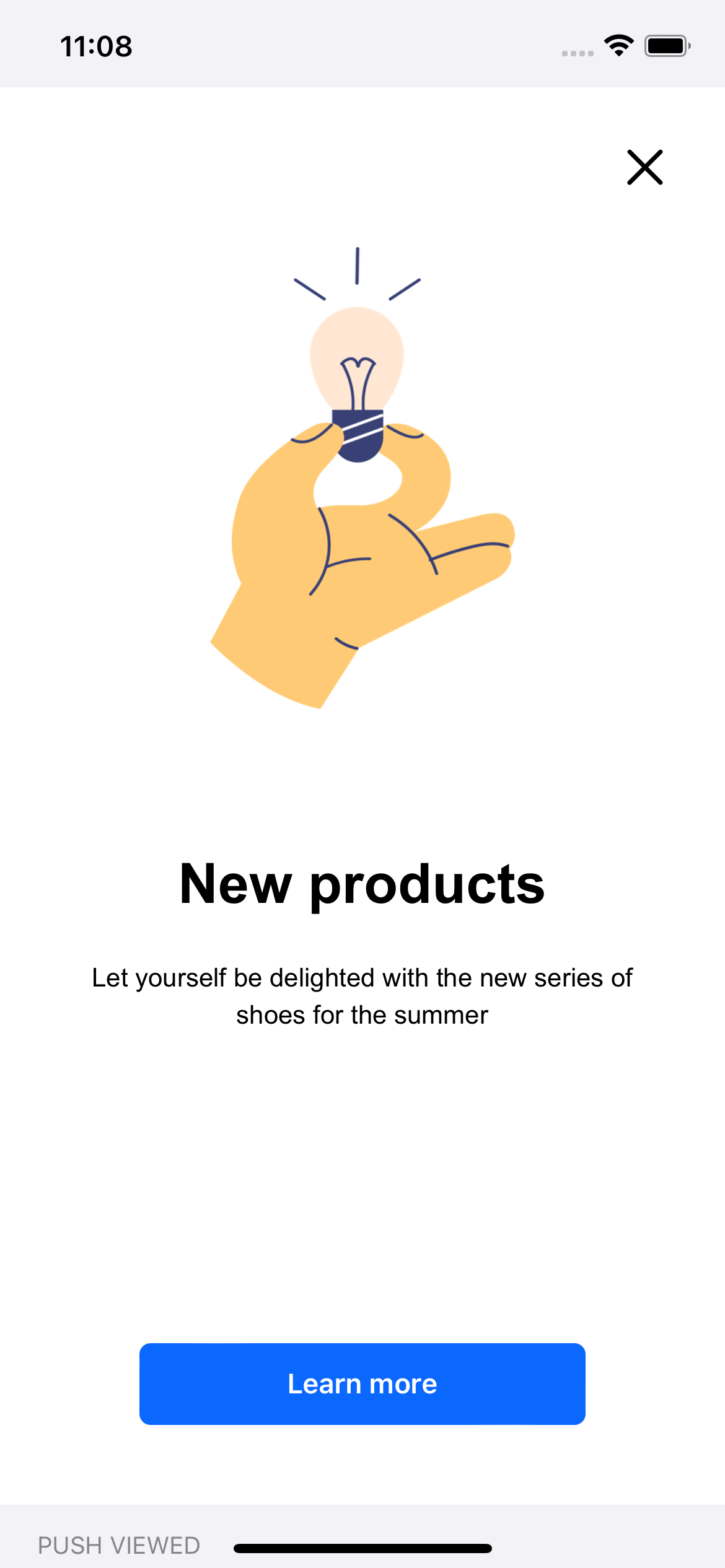
An overlay in-app message is a banner displayed over the app view.
You can use:
- the **safe area** mode on iOS from the `5.1.0` version,
- the **display cutouts** mode on Android from the `6.1.0` version.
## Controlling behavior and actions
---
You may control an incoming in-app message and decide whether to show it (the display of in-app message can be triggered by occurrence of specific events). By default, the SDK allows in-app message display.
The user interface allows selecting up to 3 trigger events, however, in Android, only for `5.8.1` SDK version (released on 28.08.2023) or higher all triggers are considered altogether. For older SDK versions in Android, only the last event from the trigger list will be considered.
These limitations don't apply in iOS.
Also, you can be notified (in the form of events) about the campaign actions in the following cases:
- When the in-app message is presented.
- When the in-app message disappeared.
- When additional context is needed to render the campaign.
- When the customer invoked an action.
You can handle the message using:
- [OnInAppListener](/developers/mobile-sdk/listeners-and-delegates/android-listeners#on-in-app-listener) methods for Android.
- [InjectorInAppMessageDelegate](/developers/mobile-sdk/listeners-and-delegates/ios-delegates#injector-in-app-message-delegate) methods for iOS.
- [InjectorInAppMessageListener](/developers/mobile-sdk/listeners-and-delegates/react-native-listeners#injector-in-app-message-listener) methods for React Native.
- [InjectorInAppMessageListener](/developers/mobile-sdk/listeners-and-delegates/flutter-listeners#injector-in-app-message-listener) methods for Flutter.
See the following code samples:
```Java
public static OnInAppListener NULL = new OnInAppListener() {
// This method is called after an in-app message is loaded and Synerise SDK asks for permission to show it.
@Override
public boolean shouldShow(InAppMessageData inAppMessageData) {
return true;
}
// This method is called after an in-app message appears.
@Override
public void onShown(InAppMessageData inAppMessageData) {
//...
}
// This method is called after an in-app message disappears.
@Override
public void onDismissed(InAppMessageData inAppMessageData) {
//...
}
// This method is called when a individual context for an in-app message is needed.
@Override
public HashMap onContextFromAppRequired(InAppMessageData inAppMessageData) {
return new HashMap<>();
}
// This method is called when the SRInApp.openUrl(url) method is used in an in-app message.
@Override
public void onHandledOpenUrl(InAppMessageData inAppMessageData) {
//...
}
// This method is called when the SRInApp.openDeeplink(url) method is used in an in-app message.
@Override
public void onHandledOpenDeepLink(InAppMessageData inAppMessageData) {
//...
}
// This method is called when the
// SRInApp.handleCustomAction(name, params) method is used in an in-app message.
@Override
public void onCustomAction(String identifier, HashMap params, InAppMessageData inAppMessageData) {
//...
}
};
```
```Kotlin
var inAppCallbacks: OnInAppListener = object : OnInAppListener() {
// This method is called after an in-app message is loaded and Synerise SDK asks for permission to show it.
override fun shouldShow(inAppMessageData: InAppMessageData): Boolean {
return true
}
// This method is called after an in-app message appears.
override fun onShown(inAppMessageData: InAppMessageData) {
//...
}
// This method is called after an in-app message disappears.
override fun onDismissed(inAppMessageData: InAppMessageData) {
//...
}
// This method is called when a individual context for an in-app message is needed.
override fun onContextFromAppRequired(inAppMessageData: InAppMessageData): HashMap {
return HashMap()
}
// This method is called when the SRInApp.openUrl(url) method is used in an in-app message.
override fun onHandledOpenUrl(inAppMessageData: InAppMessageData) {
//...
}
// This method is called when the SRInApp.openDeeplink(url) method is used in an in-app message.
override fun onHandledOpenDeepLink(inAppMessageData: InAppMessageData) {
//...
}
// This method is called when the
// SRInApp.handleCustomAction(name, params) method is used in an in-app message.
override fun onCustomAction(identifier: String?, params: HashMap?, inAppMessageData: InAppMessageData?) {
//...
}
}
```
```Swift
// MARK: - InjectorInAppMessageDelegate
// This method is called after an in-app message is loaded and Synerise SDK asks for permission to show it.
func snr_shouldInAppMessageAppear(data: InAppMessageData) -> Bool {
return true
}
// This method is called after an in-app message appears.
func snr_inAppMessageDidAppear(data: InAppMessageData) {
//...
}
// This method is called after an in-app message disappears.
func snr_inAppMessageDidDisappear(data: InAppMessageData) {
//...
}
// This method is called when an in-app message changes size.
func snr_inAppMessageDidChangeSize(rect: CGRect) {
//...
}
// This method is called when a individual context for an in-app message is needed.
func snr_inAppMessageContextIsNeeded(data: InAppMessageData) -> [AnyHashable: Any]? {
return []
}
// This method is called when the SRInApp.openUrl(url) method is used in an in-app message.
func snr_inAppMessageHandledAction(data: InAppMessageData, url: URL) {
//...
}
// This method is called when the SRInApp.openDeeplink(url) method is used in an in-app message.
func snr_inAppMessageHandledAction(data: InAppMessageData, deeplink: String) {
//...
}
// This method is called when the
// SRInApp.handleCustomAction(name, params) method is used in an in-app message.
func snr_inAppMessageHandledCustomAction(data: InAppMessageData, name: String, parameters: [AnyHashable: Any]) {
//...
}
```
```Objective-C
#pragma mark - SNRInjectorInAppMessageDelegate
// This method is called after an in-app message is loaded and Synerise SDK asks for permission to show it.
- (BOOL)SNR_shouldInAppMessageAppear:(SNRInAppMessageData *)data {
//...
}
// This method is called after an in-app message appears.
- (void)SNR_inAppMessageDidAppear:(SNRInAppMessageData *)data {
//...
}
// This method is called after an in-app message disappears.
- (void)SNR_inAppMessageDidDisappear:(SNRInAppMessageData *)data {
//...
}
// This method is called when an in-app message changes size.
- (void)SNR_inAppMessageDidChangeSize:(CGRect)rect {
//...
}
// This method is called when a individual context for an in-app message is needed.
- (nullable NSDictionary *)SNR_inAppMessageContextIsNeeded:(SNRInAppMessageData *)data {
//...
}
// This method is called when the SRInApp.openUrl(url) method is used in an in-app message.
- (void)SNR_inAppMessageHandledURLAction:(SNRInAppMessageData *)data url:(NSURL *)url {
//...
}
// This method is called when the SRInApp.openDeeplink(url) method is used in an in-app message.
- (void)SNR_inAppMessageHandledDeeplinkAction:(SNRInAppMessageData *)data deeplink:(NSString *)deeplink {
//...
}
// This method is called when the
// SRInApp.handleCustomAction(name, params) method is used in an in-app message.
- (void)SNR_inAppMessageHandledCustomAction:(SNRInAppMessageData *)data name:(NSString *)name parameters:(NSDictionary *)parameters {
//...
}
```
```JavaScript
Synerise.onReady(function() {
Synerise.Injector.setInAppMessageListener({
// This method is called after an in-app message is loaded and Synerise SDK asks for permission to show it.
shouldPresent: function(data) {
return true;
},
// This method is called after an in-app message appears.
onPresent: function(data) {
//...
},
// This method is called after an in-app message disappears.
onHide: function(data) {
//...
},
// This method is called when a individual context for an in-app message is needed.
contextIsNeeded: function(data) {
return {}
},
// This method is called when the SRInApp.openUrl(url) method is used in an in-app message.
onOpenUrl: function(data, url) {
//...
},
// This method is called when the SRInApp.openDeeplink(url) method is used in an in-app message.
onDeepLink: function(data, deepLink) {
//...
},
// This method is called when Synerise handles custom action from in-app messages.
onCustomAction: function(data, name, parameters) {
//...
}
});
})
```
```Dart
Synerise.injector.inAppMessageListener((listener) {
// This method is called after an in-app message appears.
listener.onPresent = (data) {
//...
};
// This method is called after an in-app message disappears.
listener.onHide = (data) {
//...
};
// This method is called when the SRInApp.openUrl(url) method is used in an in-app message.
listener.onOpenUrl = (data, url) {
//...
};
// This method is called when the SRInApp.openDeeplink(url) method is used in an in-app message.
listener.onDeepLink = (data, deepLink) {
//...
};
// This method is called when Synerise handles custom action from in-app messages.
listener.onCustomAction(data, name, parameters) {
//...
};
});
```
## Closing a message
Overlay in-app messages can be closed with a [JS method included in their content](/docs/campaign/in-app-messages/creating-inapp-templates/creating-inapp-template#close-a-message), but you can also use a mobile SDK method. This can be used to close top or bottom bar in-app from somewhere else on the screen.
Using this method generates an `inApp.discard` event.
See the method reference:
- [Android](/developers/mobile-sdk/method-reference/android/campaigns#close-in-app-message)
- [Flutter](/developers/mobile-sdk/method-reference/flutter/campaigns#close-in-app-message)
- [iOS](/developers/mobile-sdk/method-reference/ios/campaigns#close-in-app-message)
- [React Native](/developers/mobile-sdk/method-reference/react-native/campaigns#close-in-app-message)
## Example
---
This is an overlay in-app message campaign example with full screen presentation.
In-app message campaign (Android)In-app message campaign (iOS)