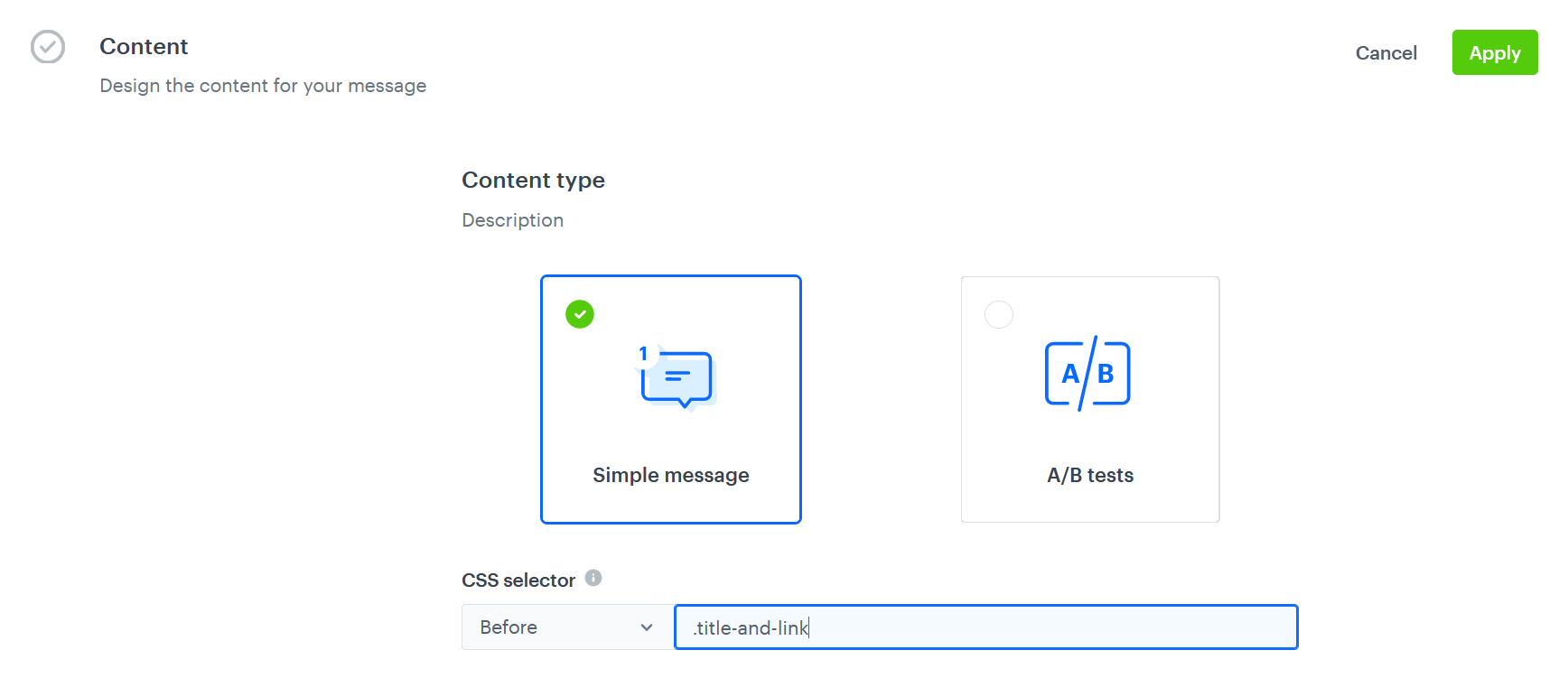
`, `
`; if you want to select h2 element you can do it using:
- An element within an element with a particular ID: `#header-title h2` (`header-title` is the ID of the div and `h2` is the name of the element in the div. The space between them is required.)
- An element within an element with a particular class: `.title-and-link h2`
(`title-and-link` is the class of the div and `h2` is the name of the element in the div. The space between them is required.)
- An element within an element with a particular attribute: `div[test-attr="A"] h2`
(`div[test-attr="A"]` is the element (div) and attribute, and `h2` is the name of the element in the div. The space between them is required.)
### Output
| Config on the interface | Output for selector `.title-and-link h2` |
|-----------------------------|--------|
| Before | <div class="title-and-link" id="header-title" test-attr="A"> DYNAMIC CONTENT WILL BE INSERTED HERE <h2 class="class1 class2">This Week's Picks</h2> <a href="https://example.com">View all</a> </div>
|
| After | <div class="title-and-link" id="header-title" test-attr="A"> <h2 class="class1 class2">This Week's Picks</h2> DYNAMIC CONTENT WILL BE INSERTED HERE <a href="https://example.com">View all</a> </div>
|
| Inner | <div class="title-and-link" id="header-title" test-attr="A"> <h2 class="class1 class2">DYNAMIC CONTENT WILL BE INSERTED HERE</h2> <a href="https://example.com">View all</a> </div>
|
## Tips
- If you want to check if a CSS selector is correct, copy your selector, go to your website and open to browser console, use the keyboard shortcut to open search box (for example `CTRL` and `F`) and paste the copied selector in the search box. If your CSS selector is correct, the search will return at least one element. The inspect properties may differ for each browser.
- Check if your CSS selector is unique. The campaign will be rendered where the selector first occurs.