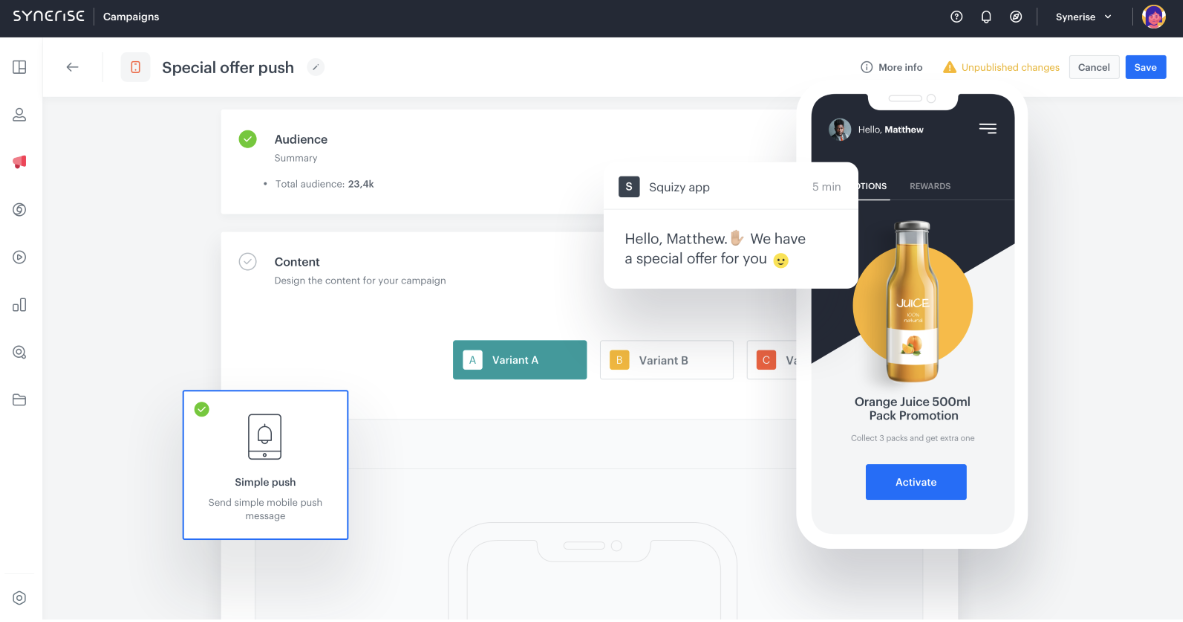
In the previous chapter, we introduced you to the general process of implementing promotions. In this chapter, you will find information and resources on configuring and managing promotions.
## Promotion management
---
The promotion management scope of the Synerise platform includes the entire life cycle of promotions, including creation, editing, publication, hiding, and deletion. The user-friendly interface facilitates efficient management of promotion parameters and allows for dynamic strategy adjustments during campaigns. The platform also supports promotion duplication, enabling the creation of new campaigns based on successful models. Additionally, the ability to create filters within the promotion list allows for easy identification of specific campaigns and facilitates the assignment of promotion sets to customers in personalized campaigns, leading to more targeted audience engagement.
**DOCUMENTATION**
For more information, see ["Managing promotions"](/docs/ai-hub/promotions/managing-promotions).
## Promotion configuration
---
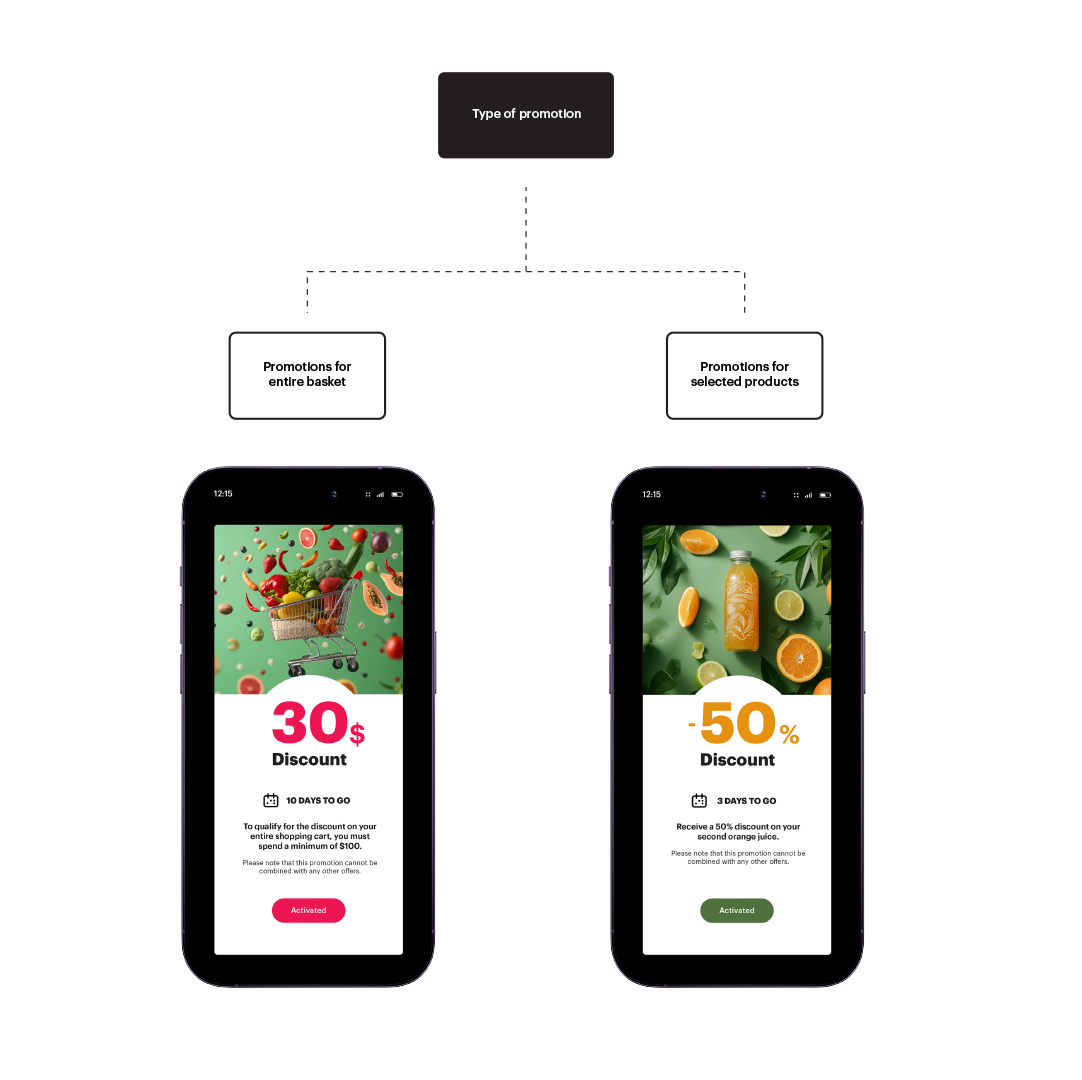
The process of creating promotions begins with selecting its type on the platform. It's time to decide which type of promotion you want to utilize in your loyalty program. Synerise provides you with two operational models:
- **Promotions for selected products**
- **Promotions for the entire basket**
Types of promotions
### Promotions for selected products
Creating promotions for products enables tailoring offers which should promote a specific product or group of products. This may be an effect for instance of cooperation with a vendor (product, brand) or will to sale expiring items (old fashion collection).
Promotion distributed through a push notification **DOCUMENTATION**
For more information, see ["Creating promotions for selected products"](/docs/ai-hub/promotions/creating-promotions).
### Promotions for entire basket
Promotions in Synerise allow you to prepare personalized, special offers for your customers. A promotion for the entire basket enables the reduction of the entire shopping basket's value if its value meets a set price threshold. This is an effective way to increase the value of the average shopping basket and build customer loyalty by providing them with benefits during shopping.
**DOCUMENTATION**
For more information, see ["Creating promotions for entire basket"](/docs/ai-hub/promotions/creating-promotions-for-entire-basket).
In the subsequent steps of creating a promotion, you will define the types of discounts you want to use, how long the promotion will be available to your recipients, and choose the products or product categories that will be covered by the promotion.
## Promotion import
---
To enhance your existing promotional engine with Synerise functionalities, you can seamlessly import promotions without having to create them from scratch. Synerise provides three available methods for importing promotions, ensuring a smooth integration process:
- Import creator in Synerise.
- Automation in Synerise,
- Automation Hub,
- Import through API.
**DOCUMENTATION**
For more information, see ["Importing promotions"](/docs/ai-hub/promotions/importing-promotions).
---
Now you know how we configure promotions in Synerise, in the [**next article**](/loyalty/lesson-4/scenarios) we explore selected promotion scenarios.
 **DOCUMENTATION**