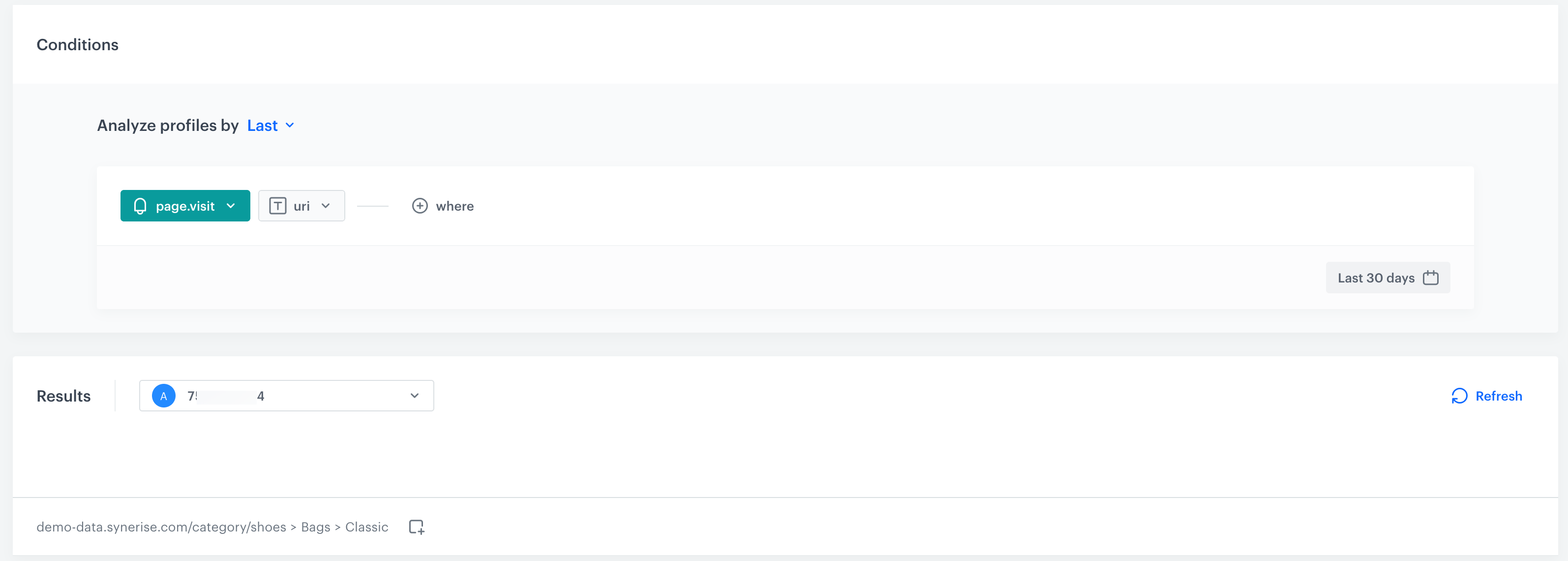
You can check the results of profile aggregates.
- Go to
 Behavioral Data Hub > Live Aggregates.
 - On the list of aggregates, find the profile aggregate you want to check the preview of.
- Click the aggregate.
- Select the identifier of a customer for whom you want to see the results.
Result: You get the preview of the aggregate: