You can check the results of an expression. Because expressions are analyses counted individually for every customer, you must indicate the identificator of a customer to see the result of an expression.
- Go to
 Behavioral Data Hub > Expressions.
 - On the list of expressions, find the expression you want to preview.
- Click the expression.
- To switch on the preview mode, click the Preview analyze button.
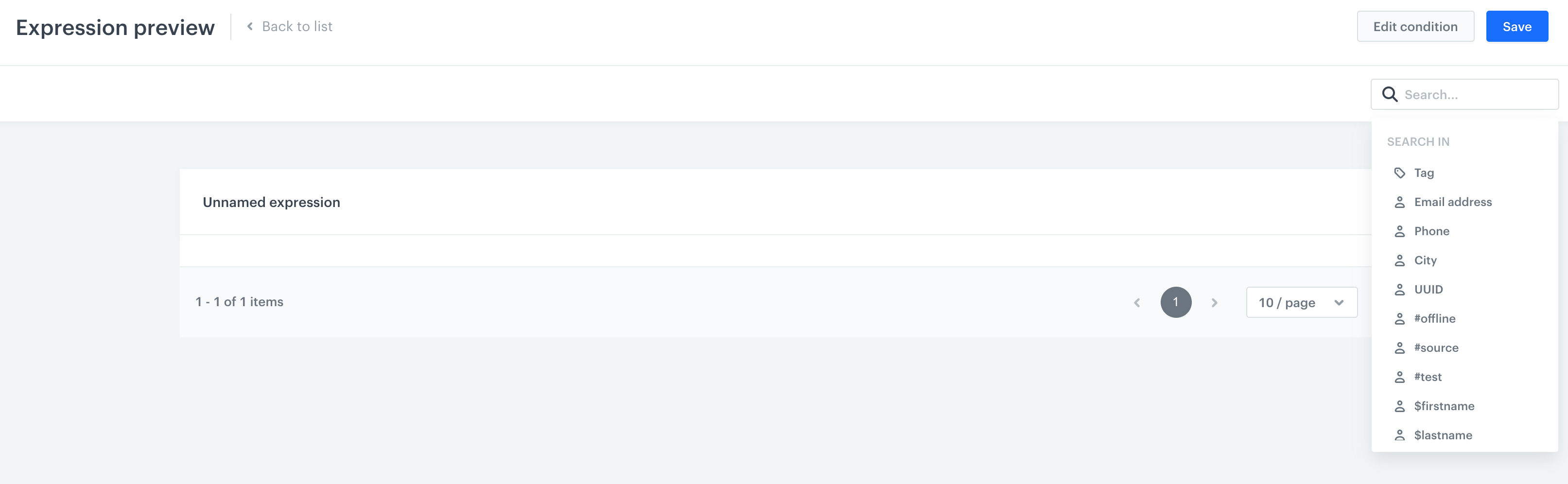
- To choose a customer for whom you want to analyze the expression:
- Click the search engine.
- Enter the email address of a customer.
- Optionally, you can change the search attribute for a tag, city or phone number.