Tags can help you organize and find promotions more easily. When you get promotions through an API (for example, from a cash register), tags let you filter the results.
To use tags with promotions, you must store them in a folder or folders of the promotion type in Data Modeling Hub > Tags.
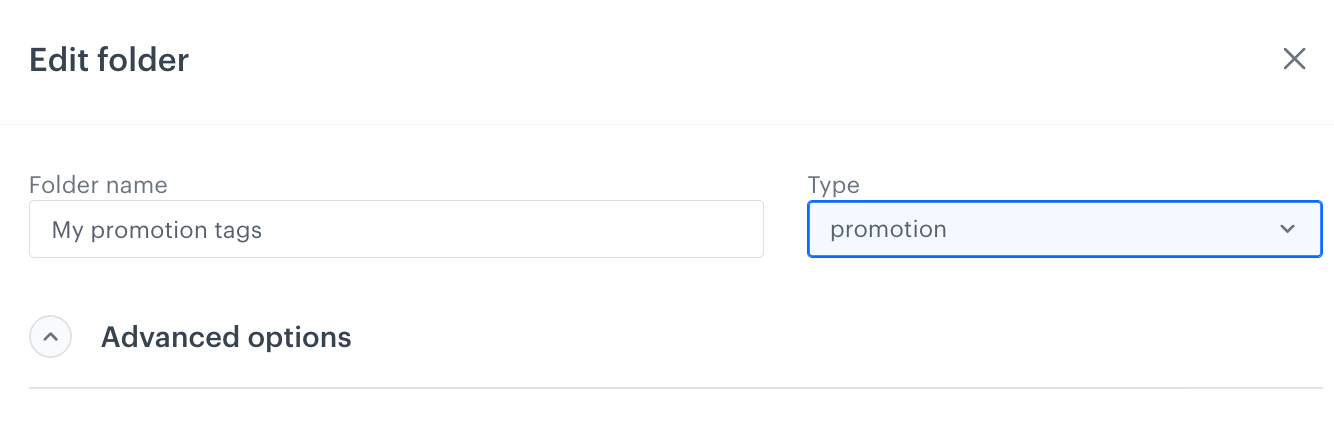
To check the tag folder settings, go to Data Modeling Hub > Tags, on the left panel hover the mouse cursor over the tag folder and click the toolbox icon
You can use tags from the promotion type tag folder for:
- filtering promotions on the promotion list
- filtering promotions in API responses
- creating promotion filters.