How can I filter clients in Profiles?
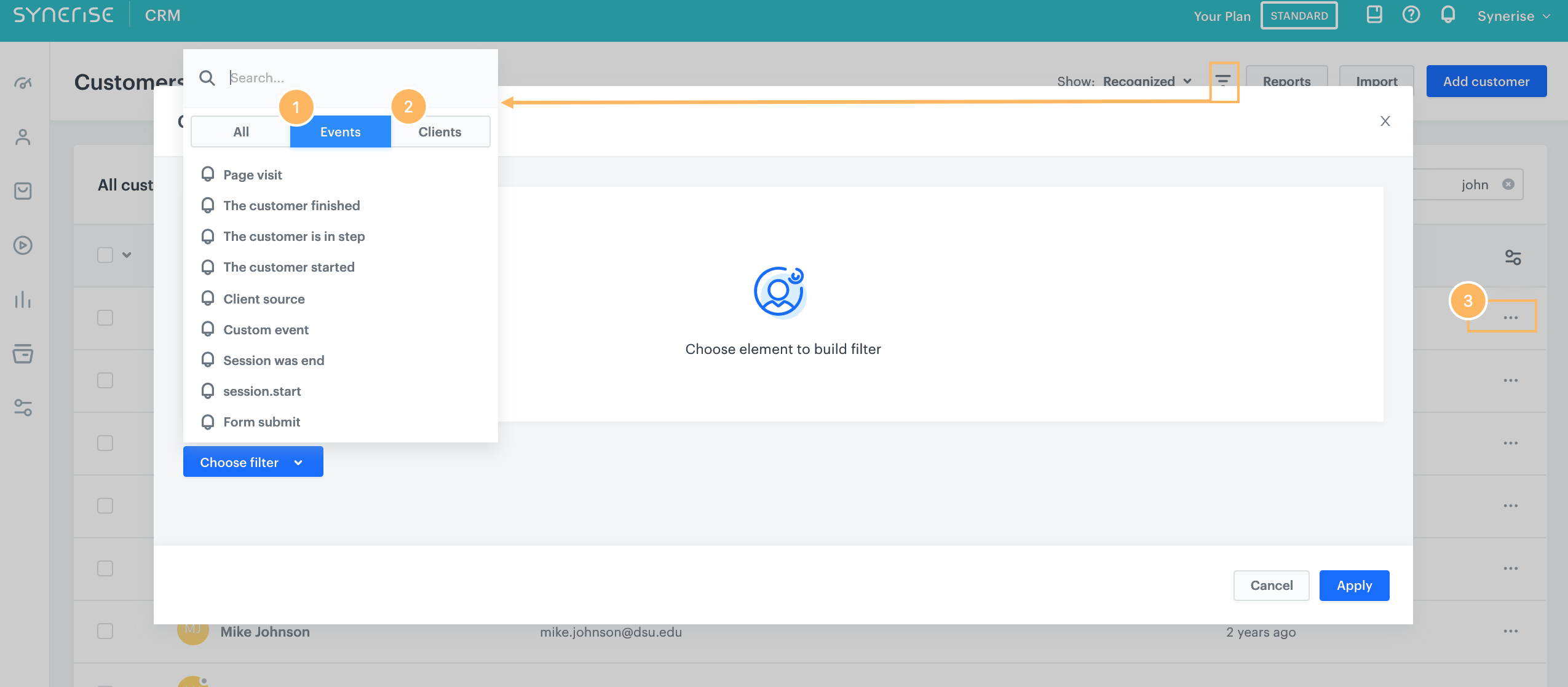
In the Synerise GUI, you can filter clients by events (1) or profile attributes (2). You can also use manual filtering (3).
Can I send messages from a profile card?
Yes. You can send any supported message type directly from a profile card — email, SMS, or web push. Each channel requires its own prerequisite: a configured sending account for email, a configured SMS gateway for SMS, and a Firebase integration for web push. For more information, see Profile overview.
What details can I add on the profile card?
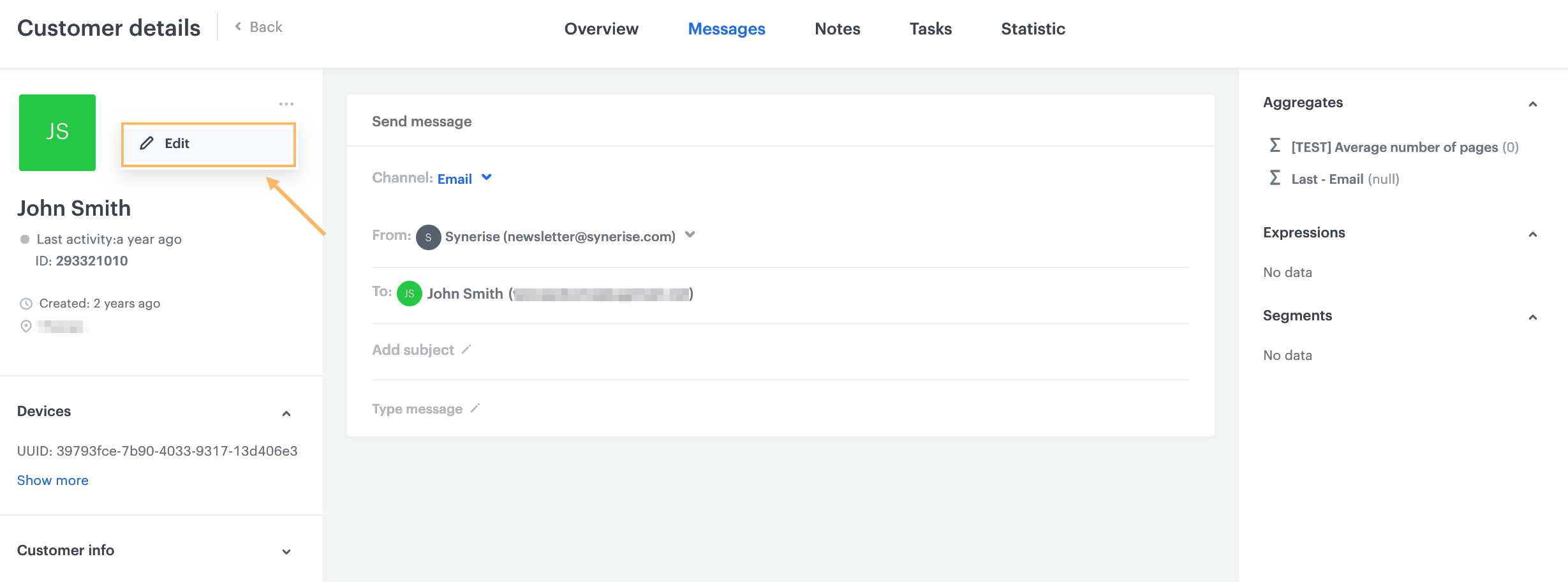
In the customer card, you can add tags and change marketing consents to individual communication channels. You can also use advanced editing to change the details of a profile.
What is the difference between customId, email, and uuid?
Email is the default primary identifier for recognizing customers. customId is an alternative primary identifier you can configure for workspaces that manage customers by their own ID system. UUID is a system-generated identifier automatically assigned to every profile, including anonymous visitors, and cannot be edited. Only email or customId can serve as the primary identifier.
How do I merge duplicate customer profiles?
Merging happens automatically when an update request contains identifiers that match multiple profiles — during imports, API calls, or SDK events such as client.login or form.submit. Manual merging requires the dedicated merge API endpoint. Merging is irreversible, and profile attributes from the source profile that already exist on the target are not transferred.
Can I add custom attributes to customer profiles?
Yes. Go to Behavioral Data Hub > Attributes and add a new attribute by defining its source name, display name, and data type. Custom attributes can also be created automatically when you send an API update or import that includes an attribute not yet defined in your workspace.