Knowing which products convert best after being found through search is normally the result of stacking several analytical objects on top of each other: a report, built on a metric, built on an aggregate, and so on. Configuring each of these layers correctly means choosing, among other things, the right time range, the right event, and the right occurrence setting.
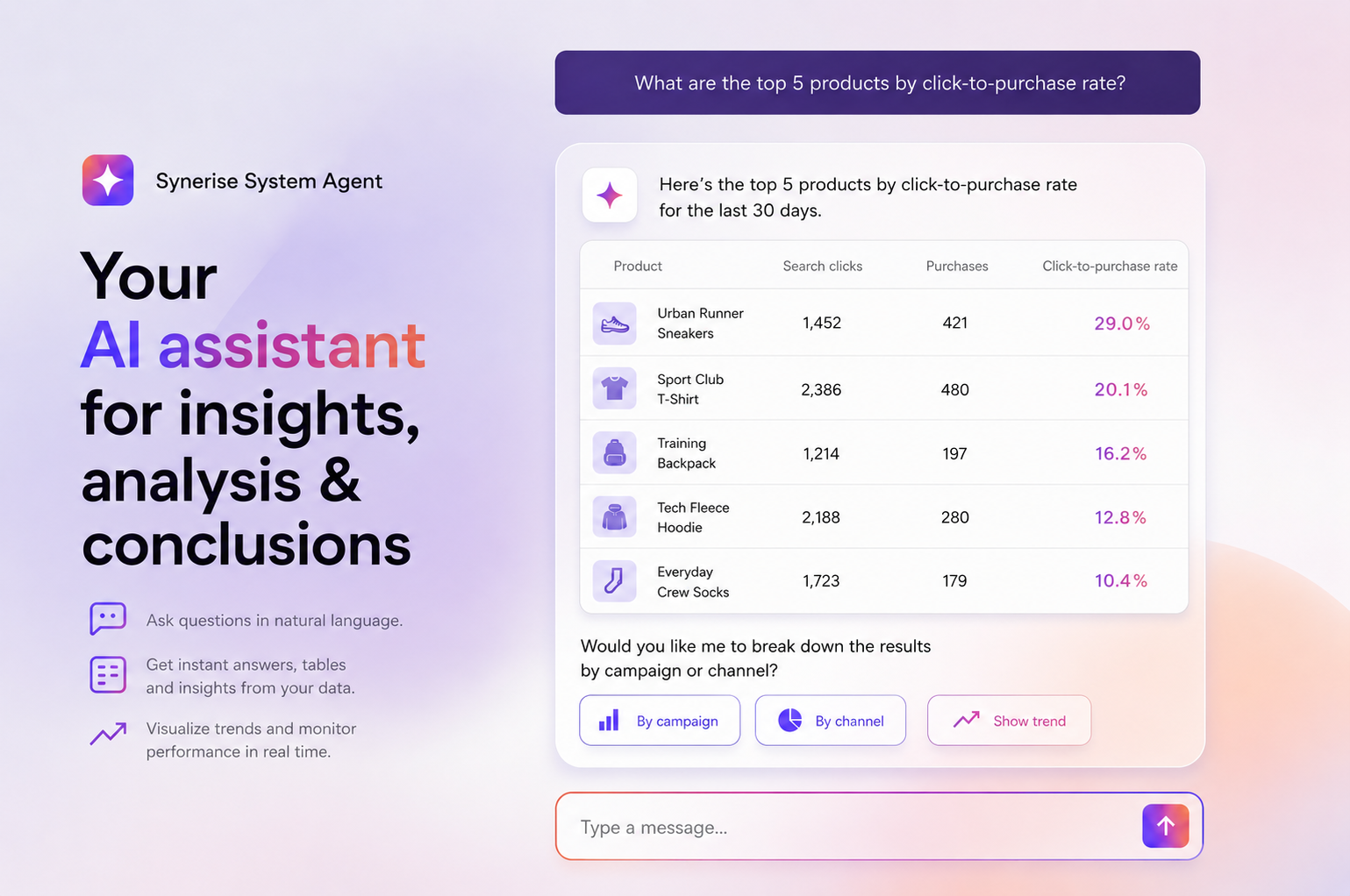
With the Synerise System Agent, this same analysis can be requested in a single, plain-language prompt. The agent has access to the workspace's own behavioral data – events, aggregates, metrics, and reports – and builds the underlying logic itself, instead of requiring it to be assembled manually in the interface.
In this use case, we use a single prompt to identify the products with the strongest post-search click-to-purchase performance over the last 30 days. The result can then be used as a benchmark for a more targeted analysis of what drives a specific product's search performance.
Prerequisites
- Prepare an item feed.
- Enable AI Search for the selected feed.
- Implement the
item.search.clickevent, which is required to measure AI Search performance. See Introduction to AI Search. - The Synerise Agent enabled and available for your workspace. See Synerise System Agent.
Process
In this use case, you will go through the following steps:
- Ask the agent for the analysis by describing it in plain language in the agent's chat panel.
- Review the results returned by the agent.
Ask the agent for the analysis
In this part of the process, describe the analysis you need directly in the agent's chat panel.
- Click Synerise Agent in the top navigation bar, available from anywhere in the workspace.
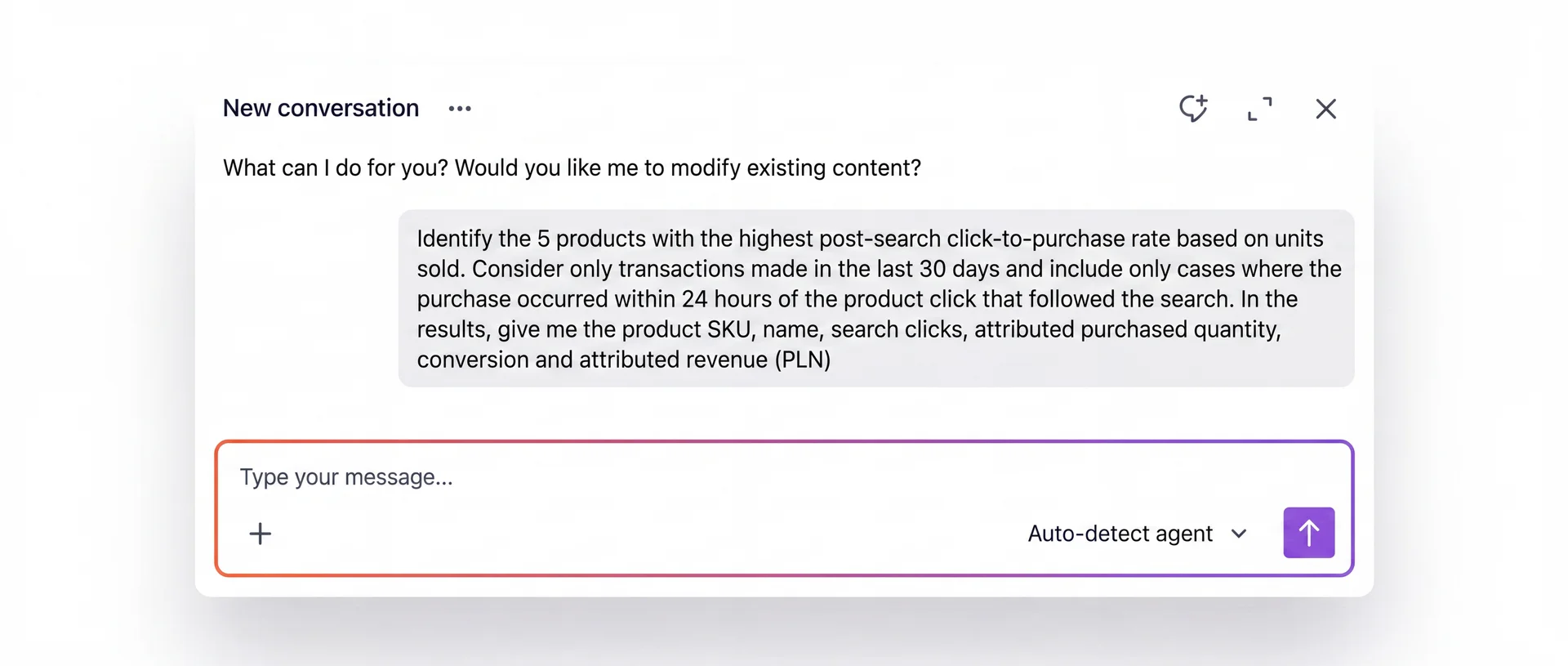
- In the chat panel, describe the analysis you need.
For example:
Identify the 5 products with the highest post-search click-to-purchase rate based on units sold. Consider only transactions made in the last 30 days and include only cases where the purchase occurred within 24 hours of the product click that followed the search. In the results, give me the product SKU, name, search clicks, attributed purchased quantity, conversion and attributed revenue.
NOTE: The more explicit the prompt is about the time range, the attribution window between a search click and a purchase, and what should count as a conversion, the more reproducible the result is, and the easier it is for other people on the team to understand exactly what the numbers mean.
- Send the prompt.
Review the results
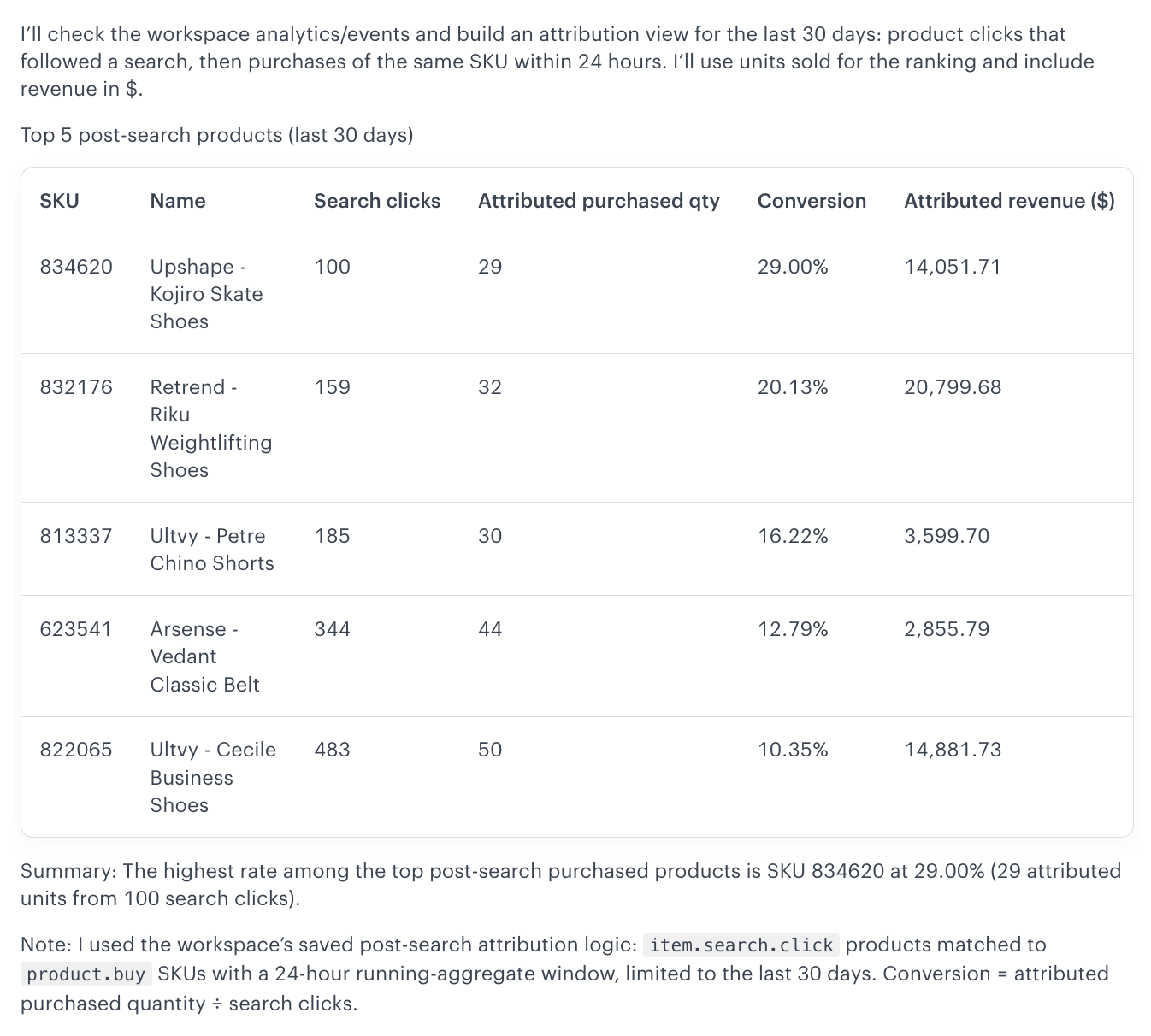
The agent first confirms how it interpreted the request – which events it used, which attribution window it applied, and how it defined conversion – before returning a ranked table with the product SKU, name, search clicks, attributed purchased quantity, conversion rate, and attributed revenue for each of the top products.
For example, the agent may report that it matched item.search.click events to product.buy events of the same SKU within a 24-hour window, limited to the last 30 days, and calculated conversion as attributed purchased quantity divided by search clicks. This makes the result auditable: anyone reviewing it can confirm that the agent used the exact logic requested in the prompt, without needing to re-check any configuration manually.
The ranking separates two things that are easy to confuse:
- Volume – how many search clicks a product receives.
- Efficiency – how well those clicks translate into purchases within the defined window (conversion rate).
In this ranking, Upshape - Kojiro Skate Shoes (SKU 834620) has the highest click-to-purchase rate at 29.00%, with 29 attributed units out of 100 search clicks. It is a good example of a smaller-volume, high-efficiency product: it received fewer search clicks than any other product in the top 5, but converted them at nearly 1.5 times the rate of the next-best result.
A product with a high click volume but a low conversion rate may point to a search ranking, placement, or presentation issue. A product with a smaller number of clicks but a high conversion rate is a good candidate to use as a benchmark for understanding what is driving strong post-search performance.
What's next
The best-converting product identified here can be used as the starting point for a follow-up analysis that looks specifically at that product's search behavior – its average position in search results, click position, conversion rate, revenue attributed to search, and which query rules are contributing to its performance.