The Update Wallet Pass node triggers an update of a wallet pass that's already installed on the device of the customer going through the workflow. This node calls the endpoint that refreshes the wallet pass template - see Updating a wallet pass.
Result:
- The walletPass.updated event is generated on the profile going through the workflow.
- If a value on the pass actually changed as a result of the update, the customer receives a notification on their device. This only happens on Apple Wallet (iOS) - Google Wallet doesn't notify the customer when a pass is updated. If nothing changed, the node still completes successfully, but no notification is sent.
IMPORTANT: Think carefully about which events should trigger this node - especially when the wallet pass contains dynamic fields, such as an expression used for a points or cashback balance. Trigger the update only when the underlying data behind those fields is likely to have changed.
You can use this node in profile and business-oriented workflows.
Prerequisites
- Create a wallet pass. If the pass isn't installed on the customer's device, the update has nothing to apply.
- You must be assigned a user role to create and edit workflows.
Node configuration
- Click the node.
Result: A pop-up opens.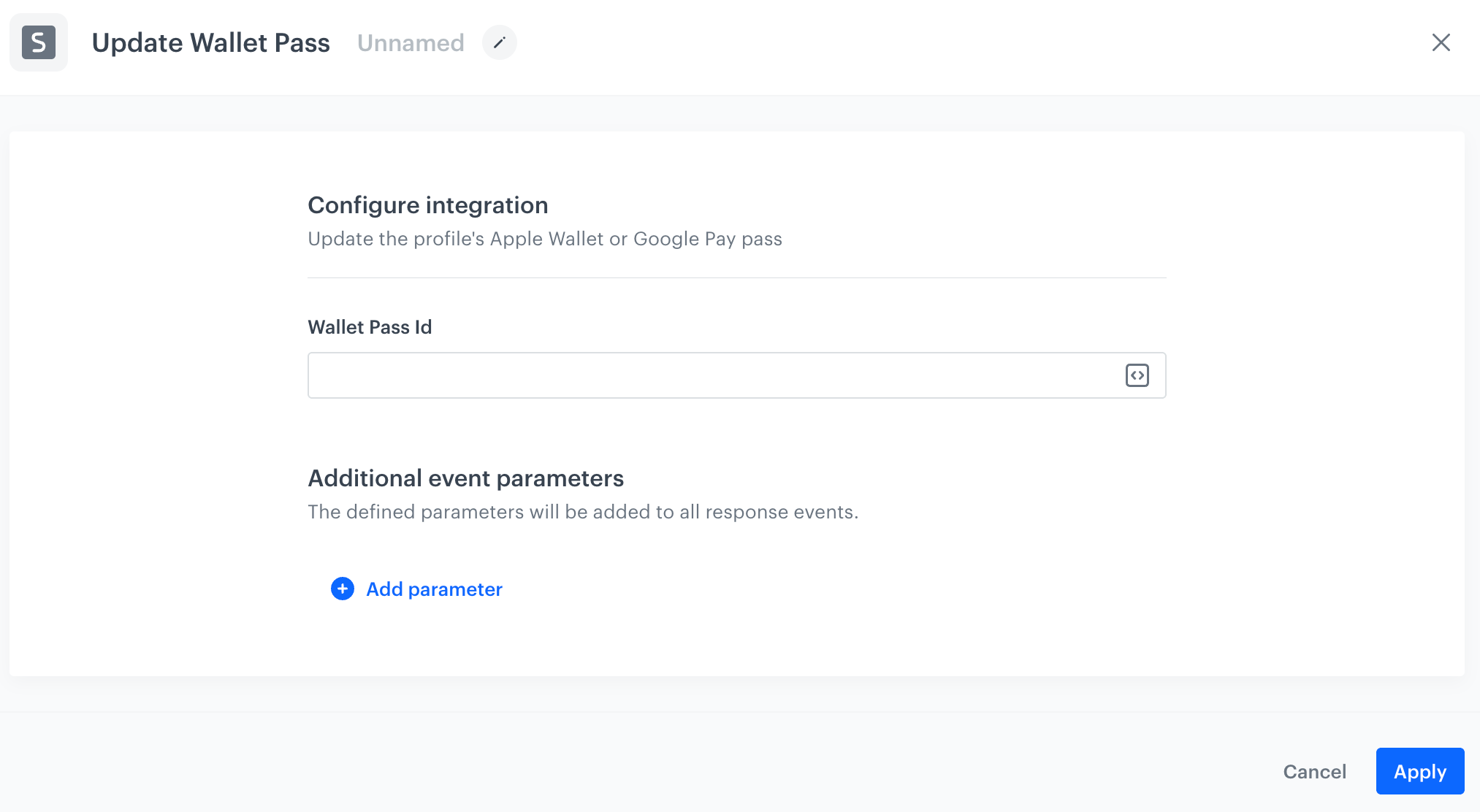
A blank Update Wallet Pass node configuration - In the Wallet pass ID field, enter the ID of the wallet pass you want to update. To find it, open the wallet pass for editing - the ID appears in the URL.
- Confirm by clicking Apply.
Example of use
You can use this node to keep a wallet pass showing a dynamic value, such as a points balance, in sync with its actual, current value.
- Start the workflow with a profile event trigger that indicates the underlying data has changed, for example an event that recalculates the customer's points balance.
- Add the Update Wallet Pass node.
In the configuration of the node, in the Wallet pass ID field, enter the ID of the wallet pass to update. - Add the End node.
Result: The pass's dynamic fields are re-evaluated. Customers who installed the pass on an iOS device and whose points balance actually changed receive a notification that their card was updated.