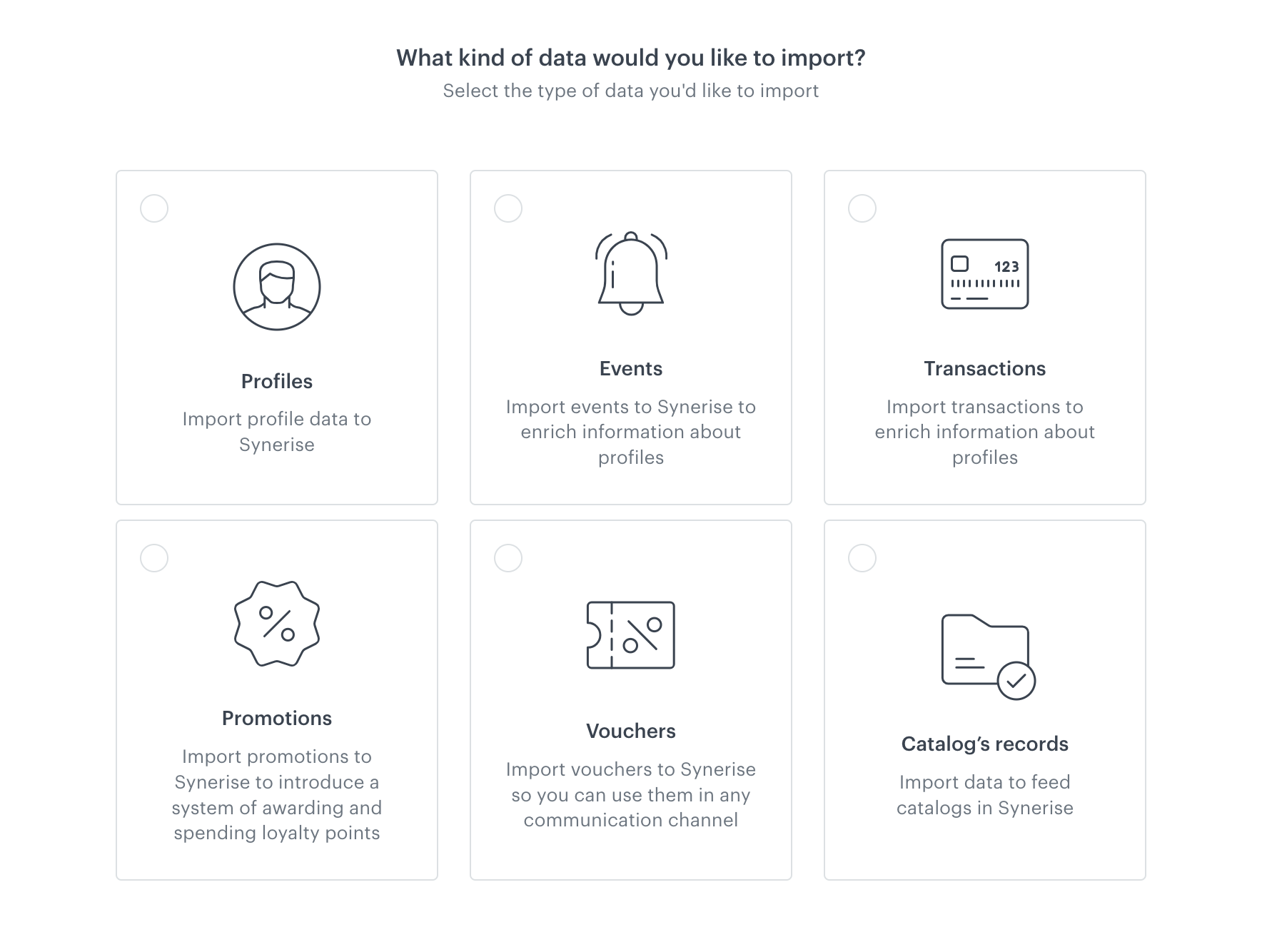
If you have data in the external sources and you would like to upload it to Synerise, you can use the data import feature in Data Modeling Hub that allows you to import the following data types to Synerise:
- profiles
- transactions
- events
- promotions
- vouchers
- catalog’s records
Import methods
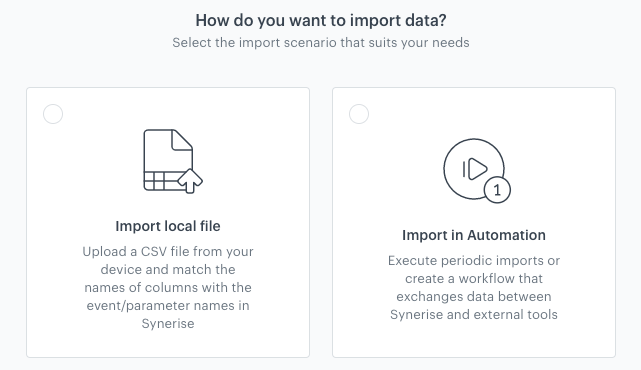
During the process of import, you must select how you will import data to Synerise. You can choose from the following options:
- Import local file - This method allows you to upload only a
.csvfile from your device and map the columns contained in the file with the equivalent parameters in your workspace.
Recommended use: Single import of.csvfiles. - Import in Automation - This method allows you to declare how you will provide a file (.
csv,.json,.jsonl, and.xml) for import and then you will be redirected to a workflow template which you can adjust to your business assumptions. The template contains a Data Transformation node that allows you to select transformation rules if the imported data need modification before the import to Synerise.
Recommended use: Imports of files stored in external servers (using HTTP and SFTP protocol), periodic imports;
Business benefits
- The possibility to use AI-powered features, prepare recommendations and adjust communication content and content on your website to customer preferences.
- Extending the amount of data to gain even broader perspective.
- Enlarging your customer database you gain in the external sources.
- Importing information about past and current promotions.
- Enriching your marketing activities with vouchers.
Requirements
- You need user permissions that grants you access to Data Modeling Hub or/and Automation Hub.
- The imported files must be smaller than 200 MB.